
Filter files during automated transfers
Select files by name, age, and transfer history so recurring workflows move only the files they need.
Continue reading


Stay informed with product updates, company news, and insights on how to optimize and secure your file transfers.
Select files by name, age, and transfer history so recurring workflows move only the files they need.

Publish selected SFTPPlus MFT audit events to RabbitMQ queues so other applications can react to file transfer activity.

Connect SFTPPlus MFT to cloud services through HTTP or SOCKS5 proxies, and publish its web interfaces behind a reverse proxy or application gateway.

Bind partner accounts and groups to their expected source networks, adding identity-aware access control beyond a network firewall.

Use native TOTP or external identity providers to protect Web Client, SFTP, FTPS, and administrator logins with more than a password.

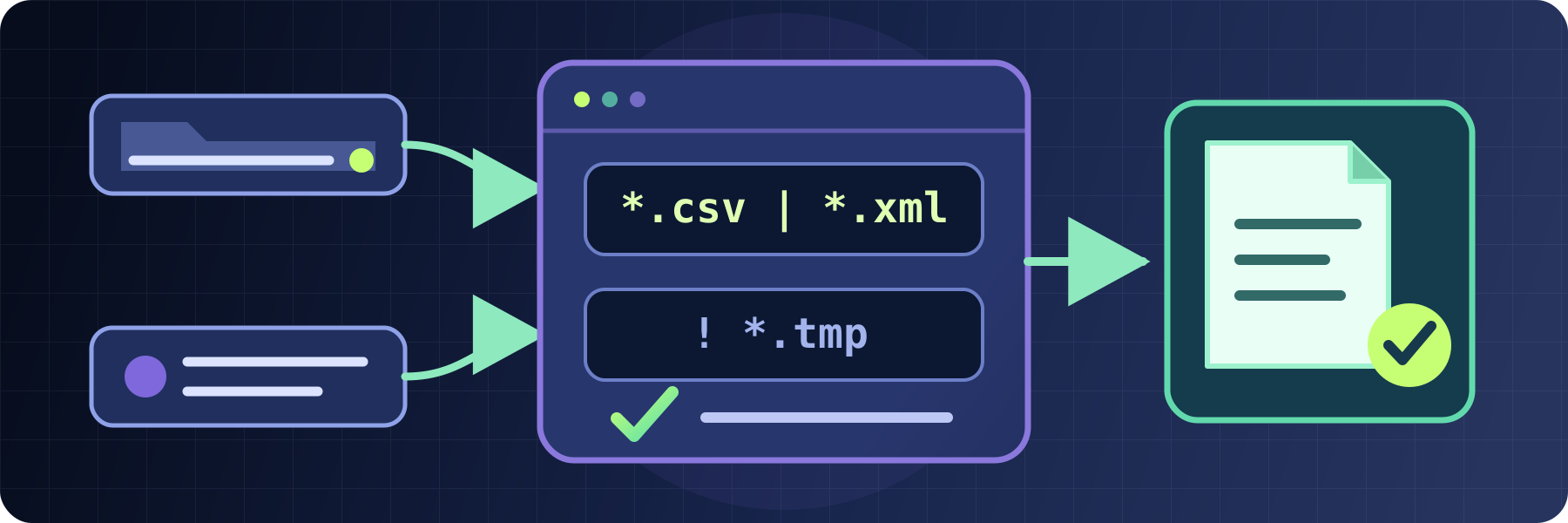
Use readable glob patterns or precise regular expressions to select and exclude files, events, and other values across SFTPPlus MFT.
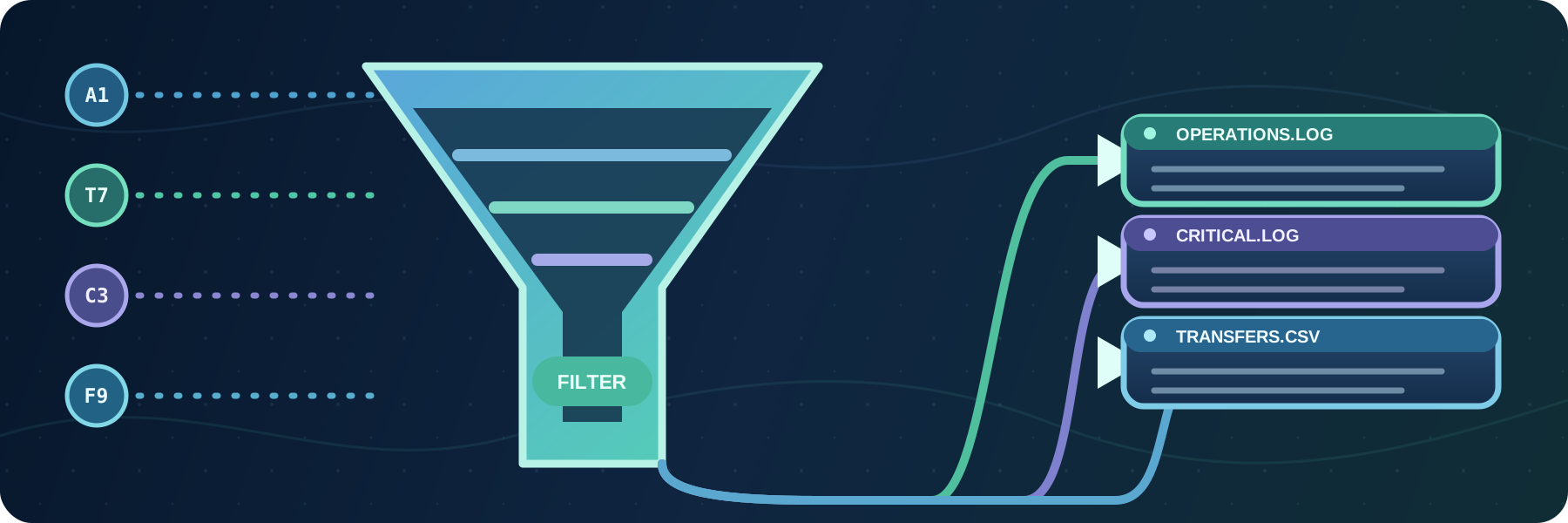
Write filtered audit events to text or CSV files, with independent formats, locations, rotation schedules, and retention limits.

Version 5.26.1 is available as a minor update to the SFTPPlus 5 series. This release includes new features and defect fixes.
'%20/%3e%3crect%20width='900'%20height='300'%20fill='url(%23grid)'%20/%3e%3ccircle%20cx='170'%20cy='150'%20r='122'%20fill='%231c7894'%20opacity='0.09'%20/%3e%3ccircle%20cx='746'%20cy='149'%20r='126'%20fill='%2357d0d4'%20opacity='0.08'%20/%3e%3cg%20fill='none'%20stroke-linecap='round'%3e%3cpath%20d='M96%2078%20C210%2078%20282%20104%20368%20126'%20stroke='%2378def0'%20stroke-width='5'%20/%3e%3cpath%20d='M96%20150%20H358'%20stroke='%23ffbf69'%20stroke-width='5'%20stroke-dasharray='13%2012'%20/%3e%3cpath%20d='M96%20222%20C210%20222%20282%20196%20368%20174'%20stroke='%2378def0'%20stroke-width='5'%20/%3e%3cpath%20d='M518%20150%20H674'%20stroke='%237de2c2'%20stroke-width='7'%20/%3e%3c/g%3e%3cg%20filter='url(%23shadow)'%3e%3ccircle%20cx='92'%20cy='78'%20r='23'%20fill='%23e9f9ff'%20/%3e%3ccircle%20cx='92'%20cy='78'%20r='10'%20fill='%2320a9c9'%20/%3e%3ccircle%20cx='92'%20cy='150'%20r='23'%20fill='%23ffe3bb'%20/%3e%3ccircle%20cx='92'%20cy='150'%20r='10'%20fill='%23f68b3c'%20/%3e%3ccircle%20cx='92'%20cy='222'%20r='23'%20fill='%23e9f9ff'%20/%3e%3ccircle%20cx='92'%20cy='222'%20r='10'%20fill='%2320a9c9'%20/%3e%3c/g%3e%3cg%20transform='translate(252%20121)'%20filter='url(%23shadow)'%3e%3ccircle%20cx='29'%20cy='29'%20r='29'%20fill='%23c83e51'%20/%3e%3cpath%20d='M17%2017%2041%2041M41%2017%2017%2041'%20fill='none'%20stroke='%23fff'%20stroke-width='7'%20stroke-linecap='round'%20/%3e%3c/g%3e%3cg%20transform='translate(356%2038)'%20filter='url(%23shadow)'%3e%3cpath%20d='M94%208c38%2028%2074%2030%2074%2030v66c0%2065-43%20104-74%20118-31-14-74-53-74-118V38s36-2%2074-30Z'%20fill='url(%23shield)'%20stroke='%23c9fbff'%20stroke-width='5'%20stroke-linejoin='round'%20/%3e%3cpath%20d='M52%2079h84M52%20108h84M52%20137h84'%20stroke='%23073354'%20stroke-width='13'%20stroke-linecap='round'%20/%3e%3c/g%3e%3cg%20transform='translate(676%2073)'%20filter='url(%23shadow)'%3e%3crect%20width='122'%20height='154'%20rx='17'%20fill='url(%23server)'%20stroke='%23eaf9ff'%20stroke-width='4'%20/%3e%3crect%20x='17'%20y='20'%20width='88'%20height='31'%20rx='8'%20fill='%23174a6b'%20/%3e%3crect%20x='17'%20y='62'%20width='88'%20height='31'%20rx='8'%20fill='%23174a6b'%20/%3e%3crect%20x='17'%20y='104'%20width='88'%20height='31'%20rx='8'%20fill='%23174a6b'%20/%3e%3ccircle%20cx='88'%20cy='35.5'%20r='5.5'%20fill='%2373e2c0'%20/%3e%3ccircle%20cx='88'%20cy='77.5'%20r='5.5'%20fill='%2373e2c0'%20/%3e%3ccircle%20cx='88'%20cy='119.5'%20r='5.5'%20fill='%2373e2c0'%20/%3e%3cpath%20d='M31%2035.5h34M31%2077.5h34M31%20119.5h34'%20stroke='%238acade'%20stroke-width='5'%20stroke-linecap='round'%20/%3e%3c/g%3e%3cg%20transform='translate(600%2041)'%20opacity='0.9'%3e%3ccircle%20cx='28'%20cy='28'%20r='24'%20fill='%230a2a49'%20stroke='%2382e8e3'%20stroke-width='4'%20/%3e%3cpath%20d='M28%2014v14l10%207'%20fill='none'%20stroke='%23fff'%20stroke-width='5'%20stroke-linecap='round'%20stroke-linejoin='round'%20/%3e%3c/g%3e%3c/svg%3e)
Protect file transfer services with explicit source IP rules and automatic temporary blocks for repeated failed authentication attempts.

Choose whether SFTPPlus MFT fails, skips, replaces, or renames files when the destination already contains the same name.
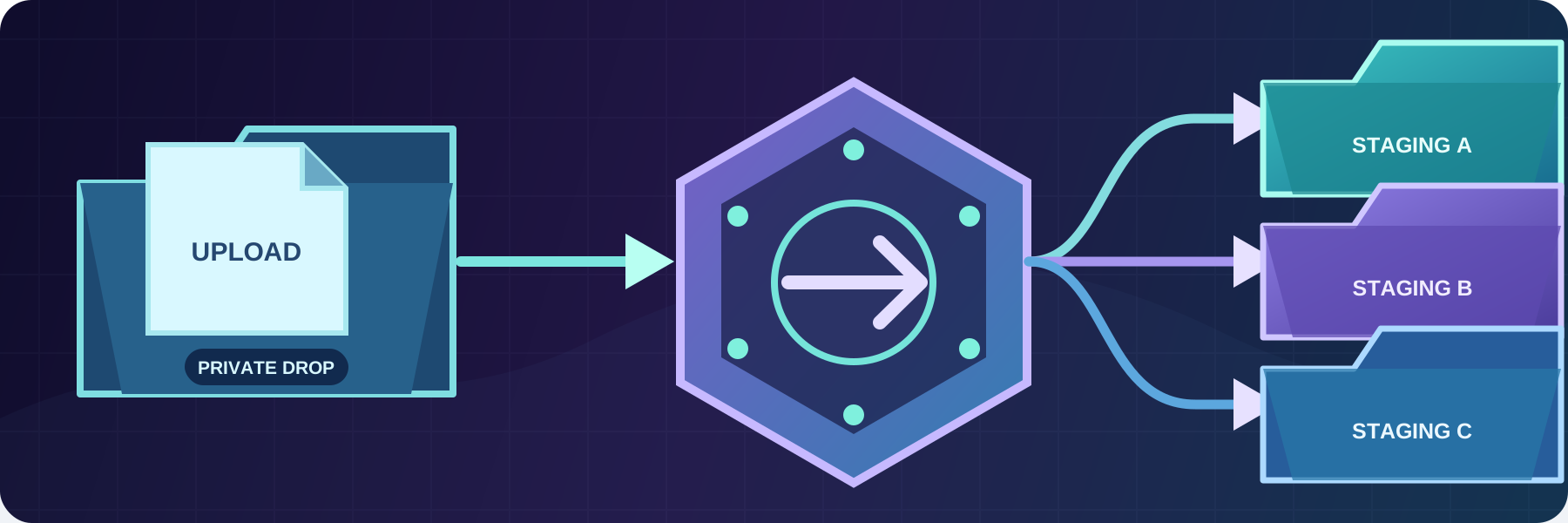
Move, copy, rename, or remove files after a transfer without maintaining custom pre-transfer or post-transfer scripts.