

SFTP-to-AS2 gateway for business file transfers
Use SFTPPlus MFT to connect existing SFTP workflows to AS2 trading partners. Users keep their familiar tools while SFTPPlus handles AS2 messages and receipts.

- Published
- 2025-04-28
A trading partner may require AS2 even though your users and applications already exchange files over SFTP. SFTPPlus MFT connects the two protocols in one installation, so an existing SFTP client such as WinSCP or FileZilla can remain part of the workflow.
For product prices and a partner testing plan, see our AS2 software and licence guide. You can also start a supported AS2 evaluation.
From an SFTP upload to an AS2 receipt
Consider a supplier whose billing application produces invoice files and uploads them over SFTP. Its customer requires those invoices to arrive as signed and encrypted AS2 messages.
- The billing application uploads a completed invoice to its assigned folder on the SFTPPlus MFT SFTP server.
- An automated transfer monitors that folder and sends the file to the customer's AS2 endpoint. The partner profile supplies the AS2 identifiers, certificates, and message security settings.
- The customer receives the AS2 message and returns an MDN receipt, either on the original connection or through a separate callback.
- SFTPPlus MFT checks the receipt and records the result. Configure archiving, notifications, and retry behaviour to suit the billing workflow.
The Server licence accepts the SFTP upload, and the Client licence sends the AS2 message. This combined workflow has a product licence price of US$3,800, excluding taxes and technical support. See current pricing for the full terms and deployment options.
If the application writes directly to a local folder and SFTPPlus MFT only sends those files over AS2, the workflow needs the Client capability instead. Describe the full path when requesting a quote, including any remote storage and asynchronous receipt handling.
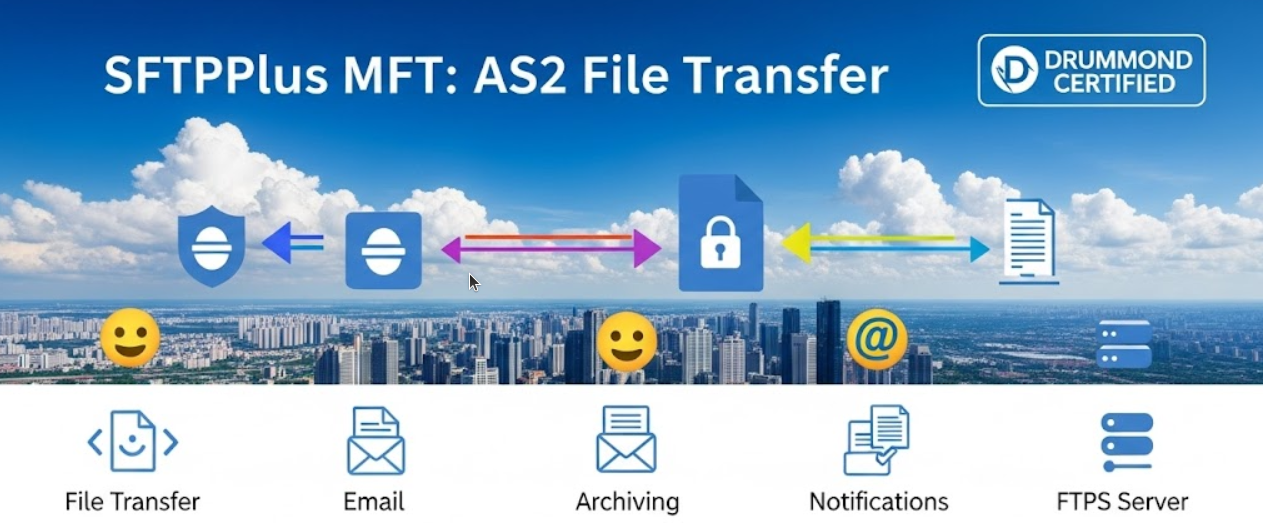
Receive AS2 files and make them available over SFTP
The reverse workflow starts when a partner sends an AS2 message to SFTPPlus MFT. The server verifies the signature, decrypts the message, stores the file in the partner's folder, and sends the requested MDN. An internal application can then connect over SFTP to download that file. Both incoming AS2 delivery and access through the SFTP server use the Server capability.
If SFTPPlus MFT actively forwards the file to another server or cloud service, that adds a Client operation. You can route files by partner or file details and notify a business application using an HTTP webhook. Access controls keep each partner's files in the appropriate folders.
AS2 and SFTP have different roles
SFTP provides encrypted file access over SSH, including uploads, downloads, and directory operations. AS2 sends packaged messages over HTTP or HTTPS and can return signed receipts for those messages. Choose the external protocol required by your partner while keeping the internal interface that fits your applications.
An MDN describes AS2 processing, not business approval of an order or invoice. Your EDI or ERP system remains responsible for interpreting and mapping the document contents. Use a valid document in your test, since the receiving system may validate its format.
Test the complete gateway
During evaluation, upload a valid sample through the same SFTP path your application will use in production. Confirm that the AS2 partner receives the expected file and that the receipt result appears in the transfer audit trail. Then test an unavailable partner, retry behaviour, and a missing receipt.
Our AS2 compatibility lessons explain common certificate, identifier, and receipt problems. The AS2 protocol reference describes supported features and the Drummond AS2-4Q24 certification of SFTPPlus 5.7.
Start your supported AS2 trial or request a quote for the complete gateway workflow.