

IP filtering and automatic blocking
Protect file transfer services with explicit source IP rules and automatic temporary blocks for repeated failed authentication attempts.

- Updated
- 2026-10-28
Public file transfer services regularly receive automated login attempts. Attackers can repeatedly try passwords, probe common usernames, and consume resources in the authentication systems behind the service.
SFTPPlus MFT includes source IP protection in the file transfer service itself. The same security policy can filter connections and respond to repeated authentication failures across SFTP, FTPS, and HTTPS services.
Stop brute force authentication attempts
A brute force attack sends repeated login attempts until it finds valid credentials. Even unsuccessful attempts can increase log volume and place unnecessary load on Active Directory, LDAP, external identity providers, or custom authentication APIs.
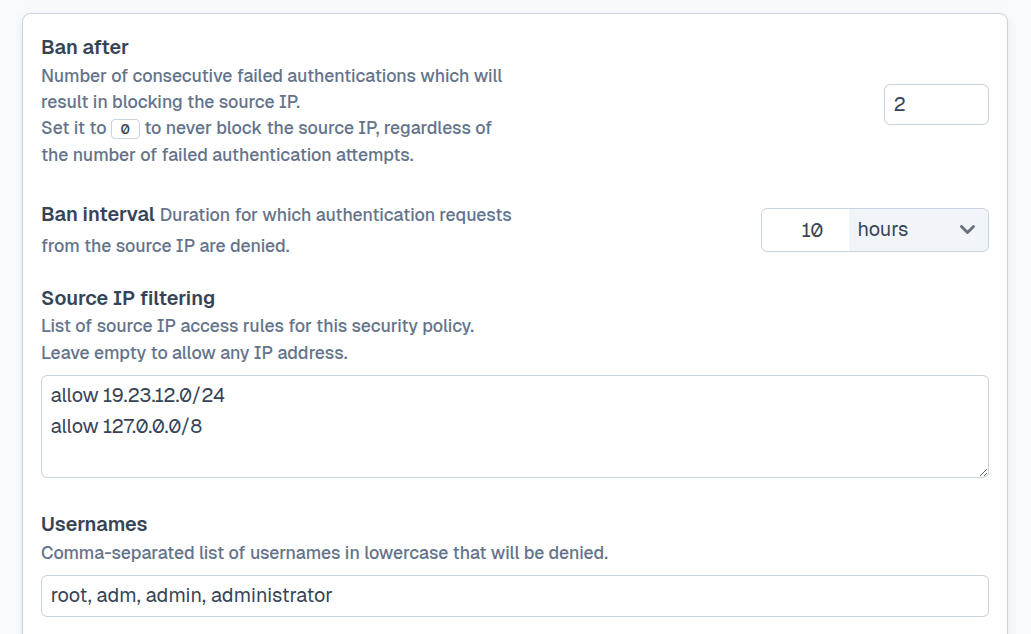
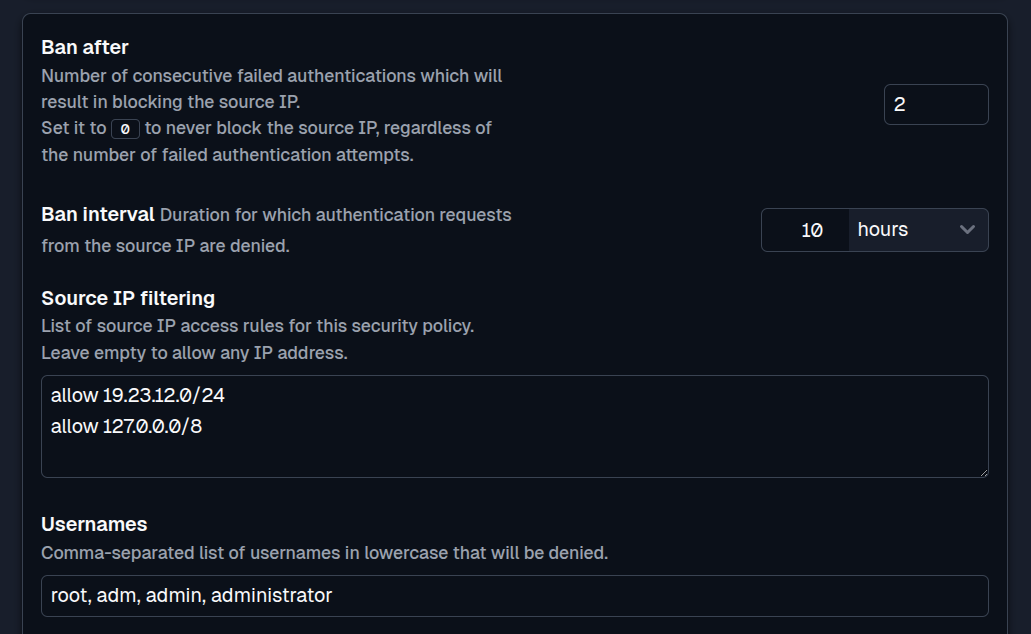
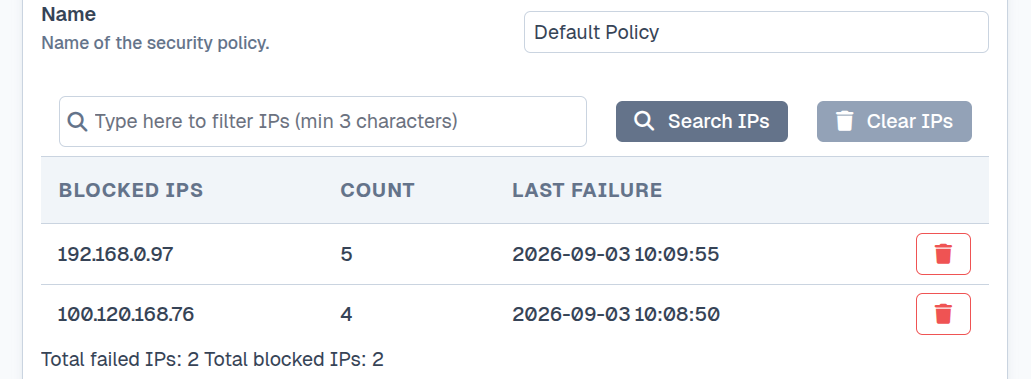
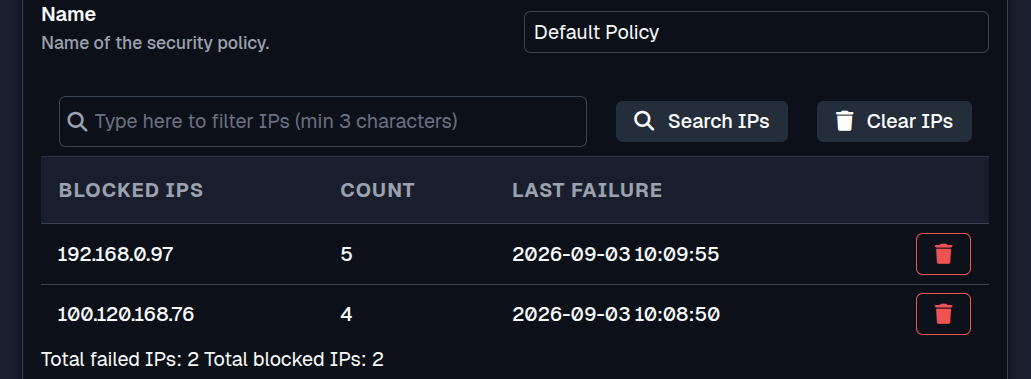
An SFTPPlus security policy can count consecutive failed authentications from a source IP address. After the configured limit is reached, further authentication requests from that address are blocked for a defined interval. This temporary block slows automated attacks before they continue through the authentication process.
Apply firewall-style rules inside SFTPPlus
Source IP rules add access checks inside file transfer services. Administrators can reject a specific IPv4 or IPv6 address, a network expressed in CIDR notation, a country, or an autonomous system number (ASN). They can also explicitly accept trusted sources.
These rules are useful when a known hostile network should be denied access during authentication, or when a service should accept file transfers only from known corporate and partner networks. Different file transfer services can use different security policies, so an internet-facing partner service does not need to share the same rules as an internal service.
Handle trusted sources without losing protection
Some trusted systems, such as internal automation or a partner gateway, should never be affected by an automatic block. SFTPPlus can explicitly accept these addresses and exempt them from the remaining security policy checks, including brute force protection.
Other known addresses can still be permitted to connect without being exempted. When an address is not explicitly accepted or rejected by the source IP rules, the remaining security checks continue. This distinction lets administrators decide which sources are fully trusted and which should remain subject to automatic protection.
Filter by country or network provider
SFTPPlus MFT can use its GeoIP database to match the country or autonomous system associated with a source address. This lets a security policy deny access from a country or provider network without listing every address in that region or network. See GeoIP filtering for file transfers for examples and the limits of location-based rules.
IP geolocation can produce false positives when partners use cloud infrastructure, corporate VPNs, mobile networks, or address ranges whose registration does not reflect their actual location. Use specific IP addresses or network ranges where a partner can provide them.
For configuration options and the precise rule evaluation behavior, see the SFTPPlus security policy documentation.
When SFTPPlus runs behind a proxy or load balancer, configure the network path to preserve the original client address. The security policy must receive that address for source IP filtering and automatic blocking to work as intended.